TridentSense turns a PC into a console you run with a controller. Every controller works with every feature, wirelessly. Every game you own, from every store and cloud service, is in one library. Any PC in the house streams to any other, to your phone or to your TV. And the lights, the heating, your RGB and your recording tools answer to the same controller, or to your voice.
For Windows 10 and 11. Up to eight controllers at once. Apps for Android phones, tablets and TVs.

Most tools do one of these. TridentSense does all of them together, and every part of it is driven by the controller in your hands: no keyboard, no mouse, no getting up.
PlayStation, Xbox and Switch controllers with every feature over Bluetooth: HD haptics, adaptive triggers in any game, the speaker and microphone. Remap anything, and build shortcuts for the whole PC.
Steam, Epic, GOG, Xbox and Game Pass, Ubisoft, EA, Battle.net, itch.io, GeForce NOW, Amazon Luna, your consoles and your other PCs: one card per game, over anything on screen, one chord away.
Stream any PC in the house to another, to your phone or to your TV, up to 4K at 120 frames a second, with your controllers going along with every feature intact.
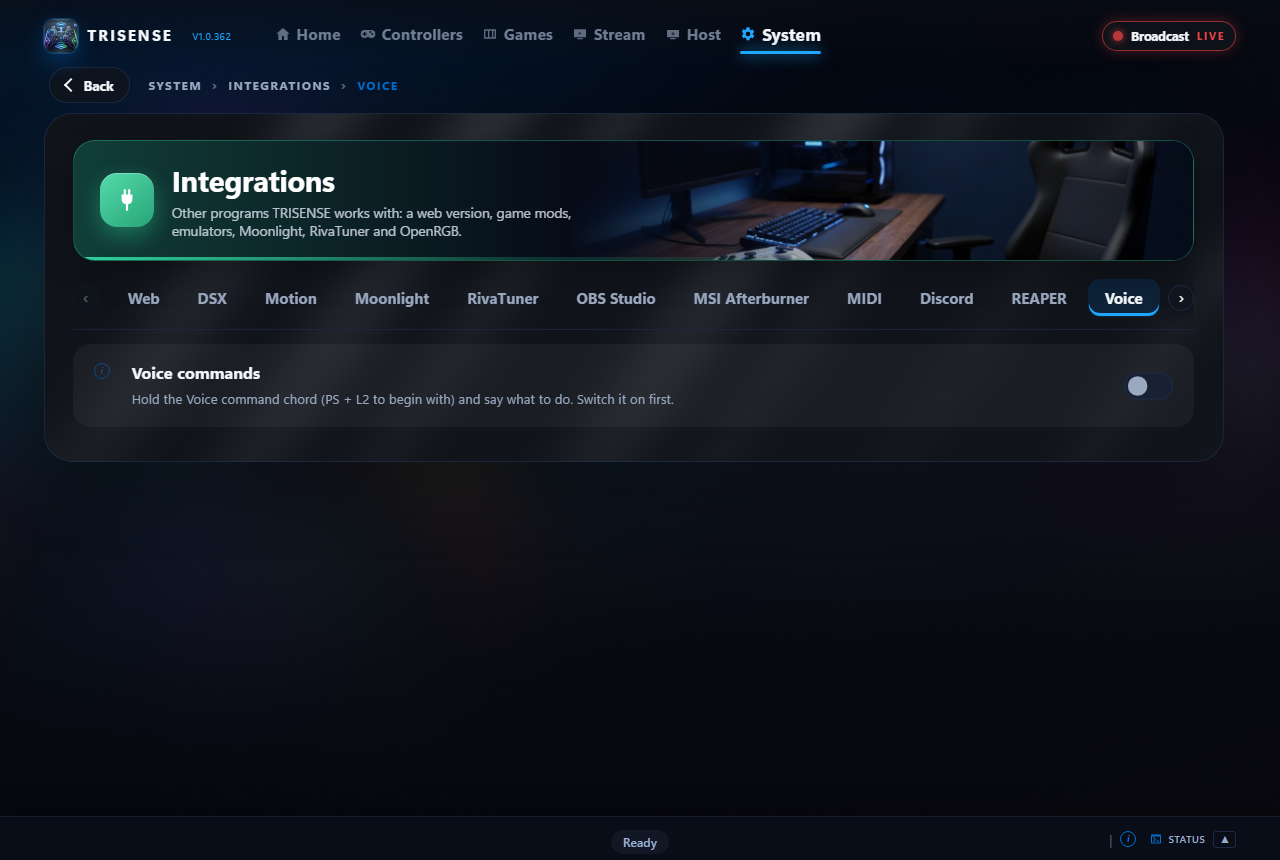
Hold two buttons and speak into the controller: any shortcut, any controller setting, any program, any recent game, any light or room in the house. Recognised on your PC, never sent anywhere.
Frame rate and limits with RivaTuner, recording with OBS, clock profiles with Afterburner, Discord, MIDI and REAPER, temperatures from HWiNFO.
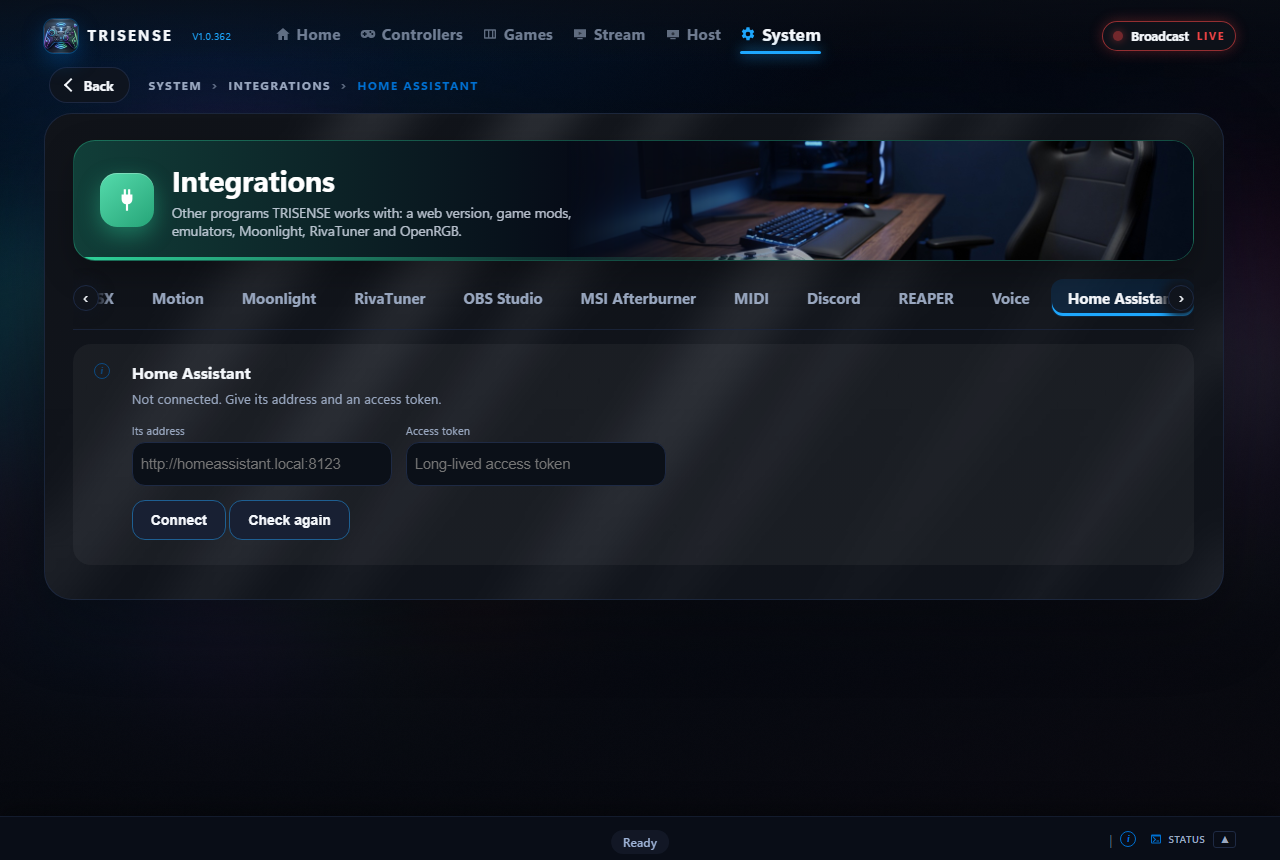
Lights, switches, scenes and thermostats with Home Assistant, room by room or floor by floor; every RGB device with OpenRGB. All on chords, the wheel or your voice.
Out of the box, a DualSense on Bluetooth is a plain gamepad on PC: no haptics, no speaker, no adaptive triggers. TridentSense sits between your controllers and your games and gives it all back, then adds what a console never had. Each controller has its own page, and every change takes effect as you make it.
HD haptics, the controller speaker, the headphone jack and the microphone all work over Bluetooth. No cable, no dongle.
Trigger Studio gives L2 and R2 real resistance, clicks and vibration in games that never supported them, with seventeen effects to choose from.
Each controller can appear to games as a DualSense, DualSense Edge, DualShock 4 or an Xbox controller, whatever it really is.
Send any button to another button, a keyboard key or a mouse click. Build chords and macros. Tune deadzones and stick curves.
Save a controller's whole set-up as a profile and have TridentSense switch to it when a game starts, then back when it closes.
An idle timer switches wireless controllers off for you. See battery and signal at a glance, and get a warning before one runs flat.
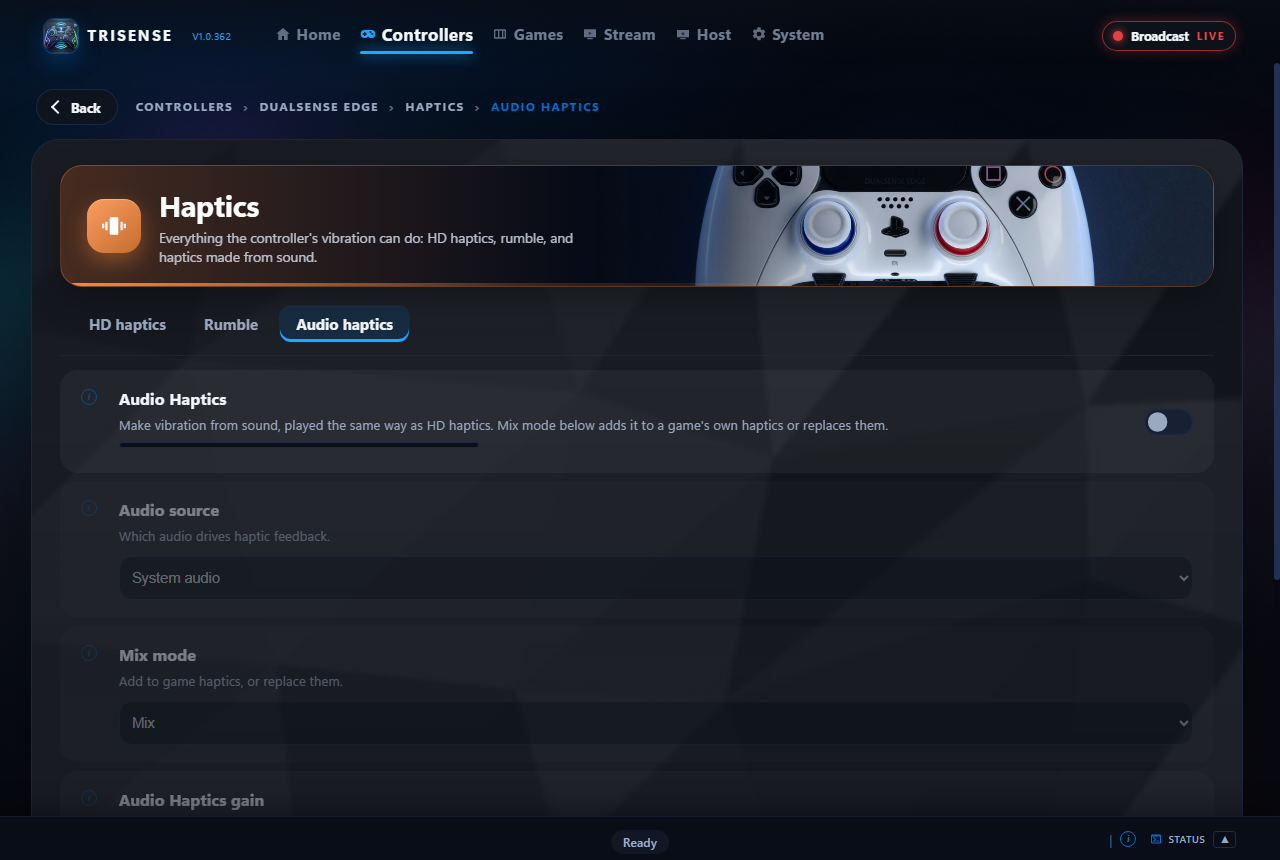
Games built for the DualSense send detailed HD haptics; everything else sends rumble. TridentSense carries both, and lets you shape them.

Set L2 and R2 separately and feel the result straight away. Games with their own trigger effects keep them: list those once and TridentSense steps aside while they run.

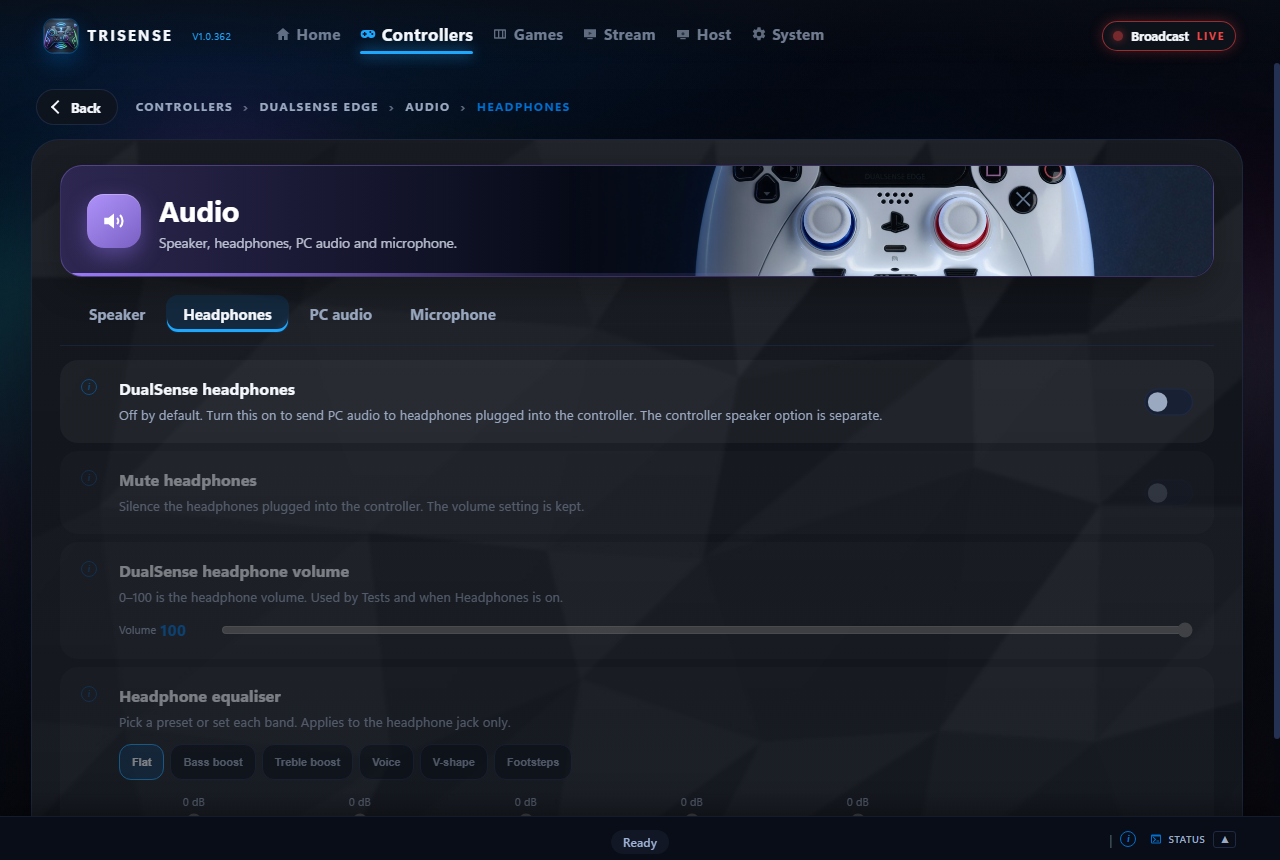
Use the controller's speaker, headphone jack and microphone wirelessly. Send the PC's own sound to a controller, and shape headphone sound with a built-in equaliser.

A picture of your own controller shows every button. Click one and send it somewhere else: another button, a key, a mouse click. Combine buttons into chords for extra actions.

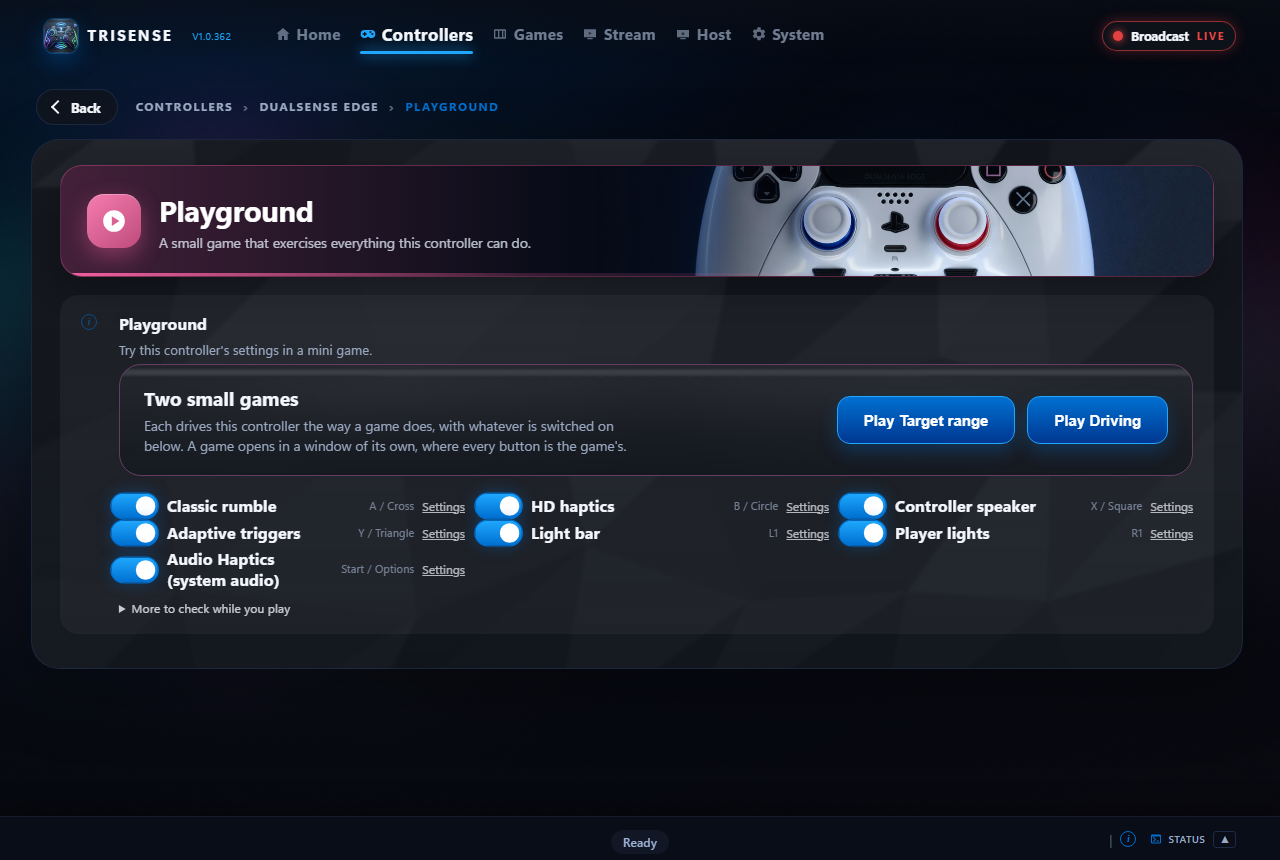
The Tests view shows every button, stick, trigger, the touchpad and the gyro live, and lets you fire rumble, triggers, lights and the speaker. The Playground is a small game that exercises all of it at once.

Set the light bar's colour and brightness, and decide whether games may change it. Player lights are yours to set too.

Send the PC's sound to as many controllers as you like at the same moment, each through its own speaker or headset. Then let players talk to each other: a controller's microphone can be played on all the others.

A chord is a few buttons held and one pressed. Build one in three steps, or just press the buttons on the controller and let TridentSense record them. A chord can do almost anything.
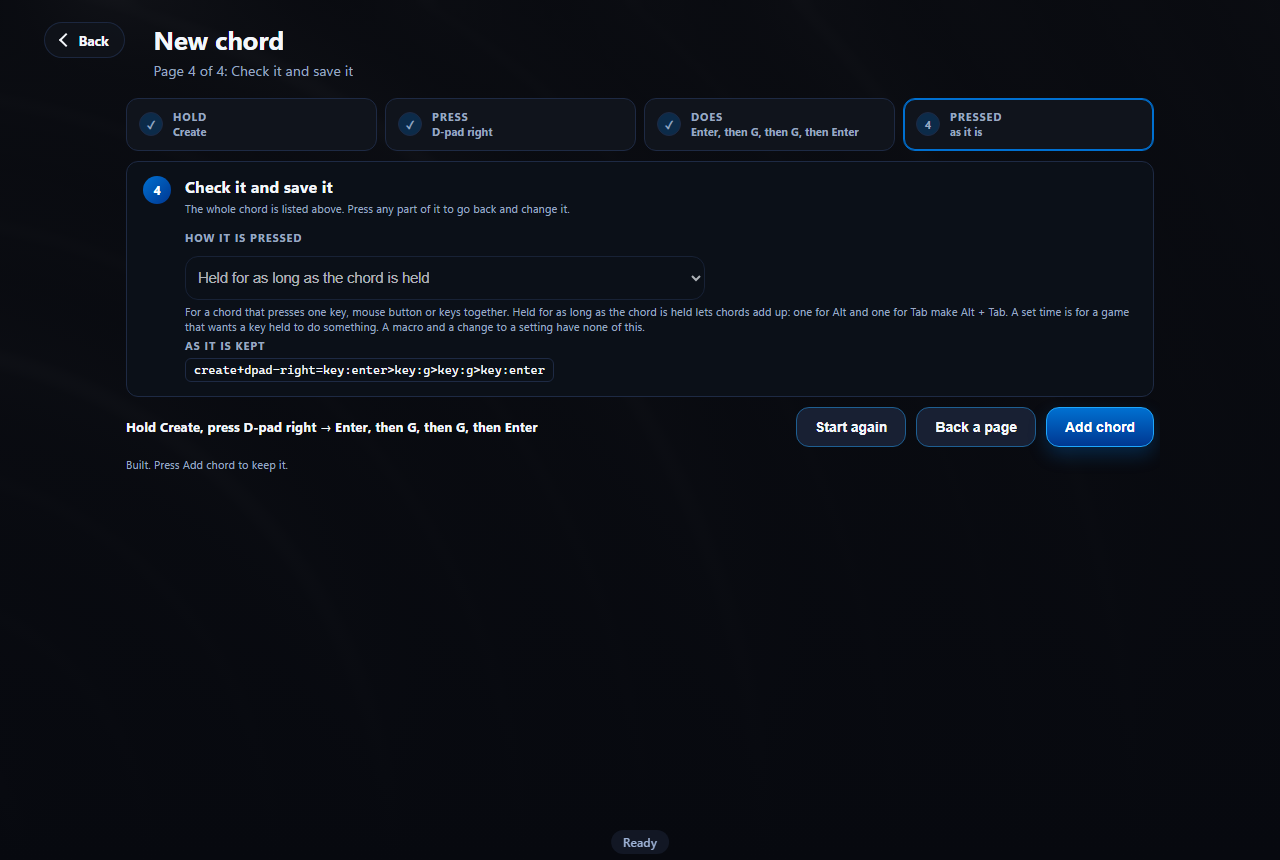
The moments that make you get up: a launcher asking for a password, an "OK" button no controller can reach, a game that has frozen. TridentSense handles them from the controller, and every controller starts with the chords for them.
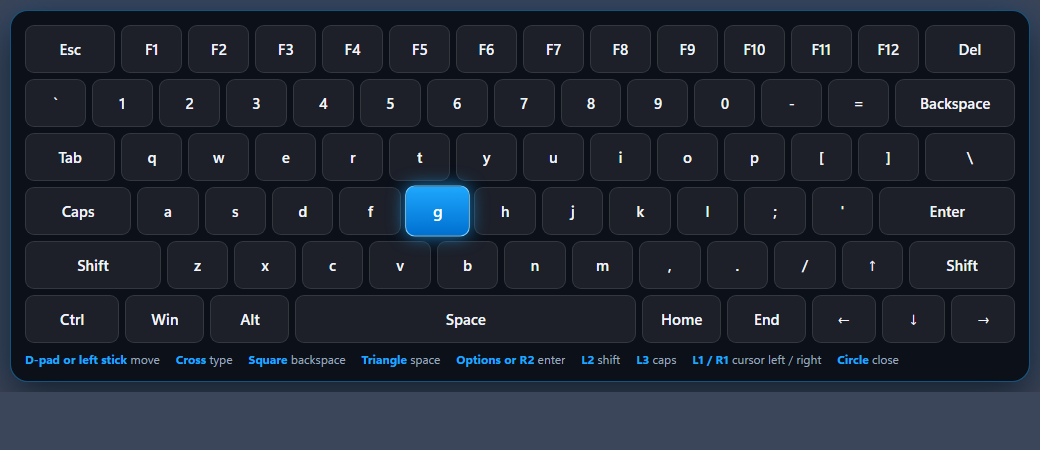
Hold the middle button and a wheel comes up in the middle of the screen, with every shortcut that controller has listed beside it. Point the stick, press, done.
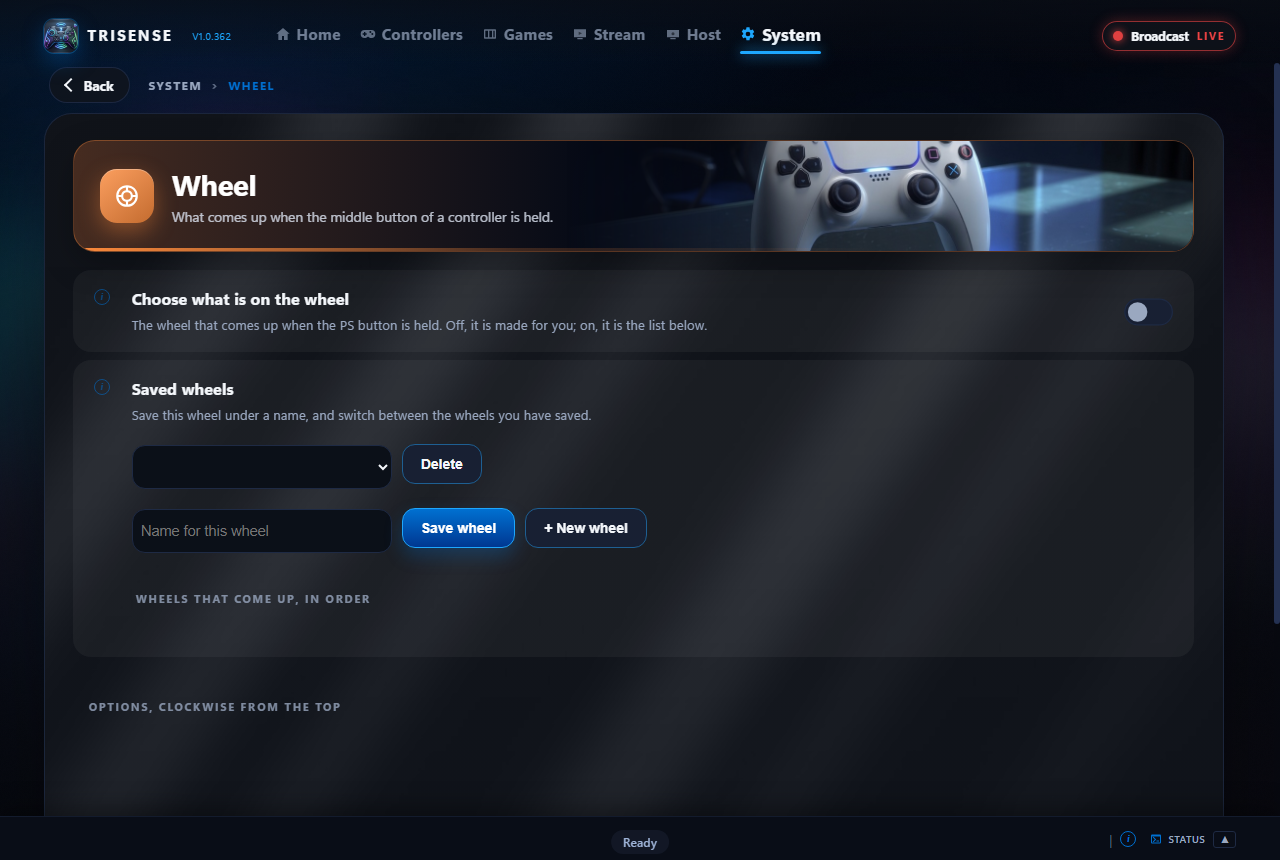
If you use RivaTuner Statistics Server, TridentSense drives it for you: no hotkeys to remember and nothing to set up by hand.
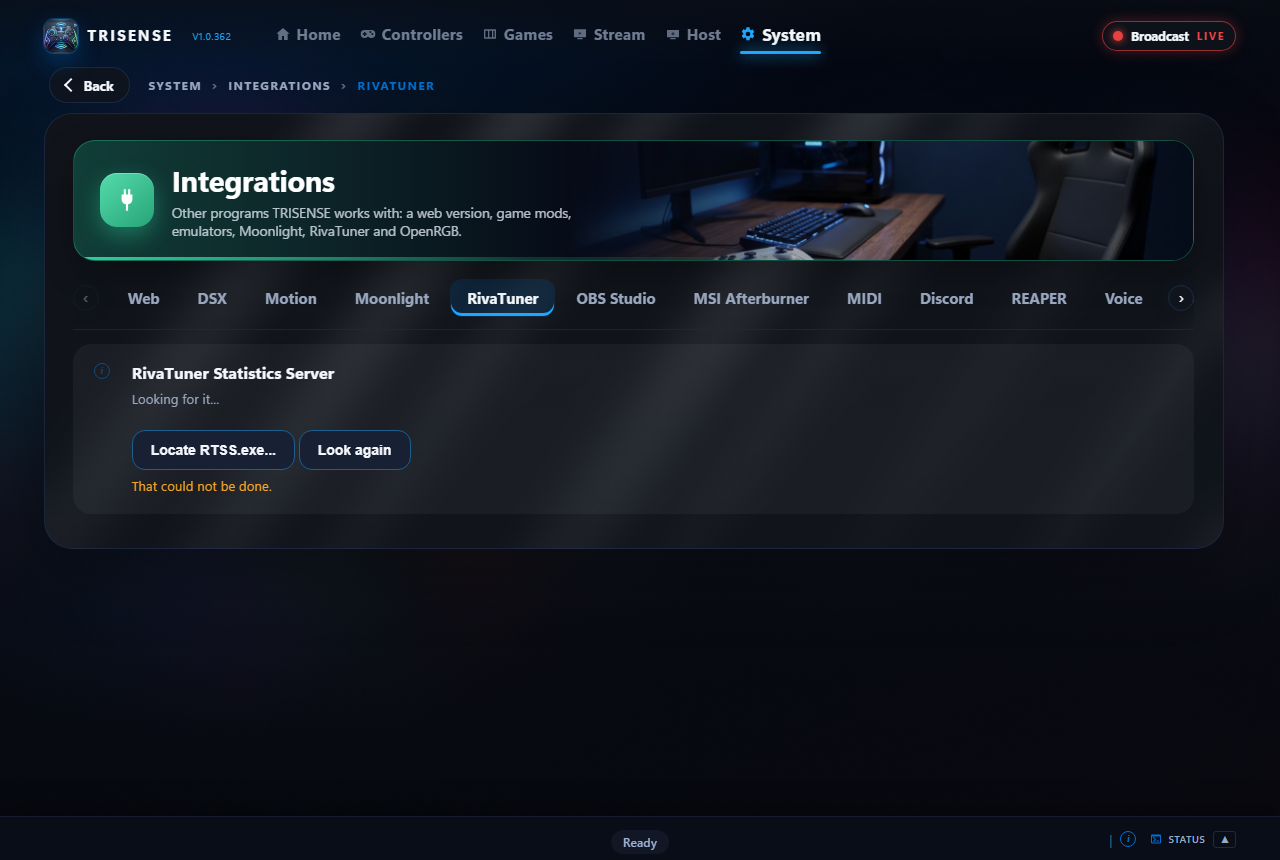
Cross, A or B: the same button, three names. TridentSense works out which controller is in your hands, even when it is set to appear to games as a different one, and writes every hint, legend and shortcut for it. Pick up another controller and they change to match.
Two built-in mini games, a target range and a driving game, that use haptics, triggers, lights and sound the way a real game does. Feel every setting without leaving TridentSense.
Move the Windows pointer with the controller's touchpad. Browse, pick a game and launch it from the sofa.
Aim by moving the controller. Works in games that have no gyro support of their own.
Whatever the PC is playing, heard on all your controllers at once, while your normal speakers carry on as before.
Play one controller's microphone through all the others. No headset software, no voice app.
For a DualSense on a cable: games drive its rumble, triggers and lights exactly as they would plugged straight in, while remapping and profiles keep working.
Joy-Cons and the Switch Pro Controller get their own Haptics section: a game's detailed vibration and the PC's sound are turned into HD Rumble.
Deadzones go up to 90%, with the travel that is left stretched to the full range, so a badly drifting stick can still be played with.
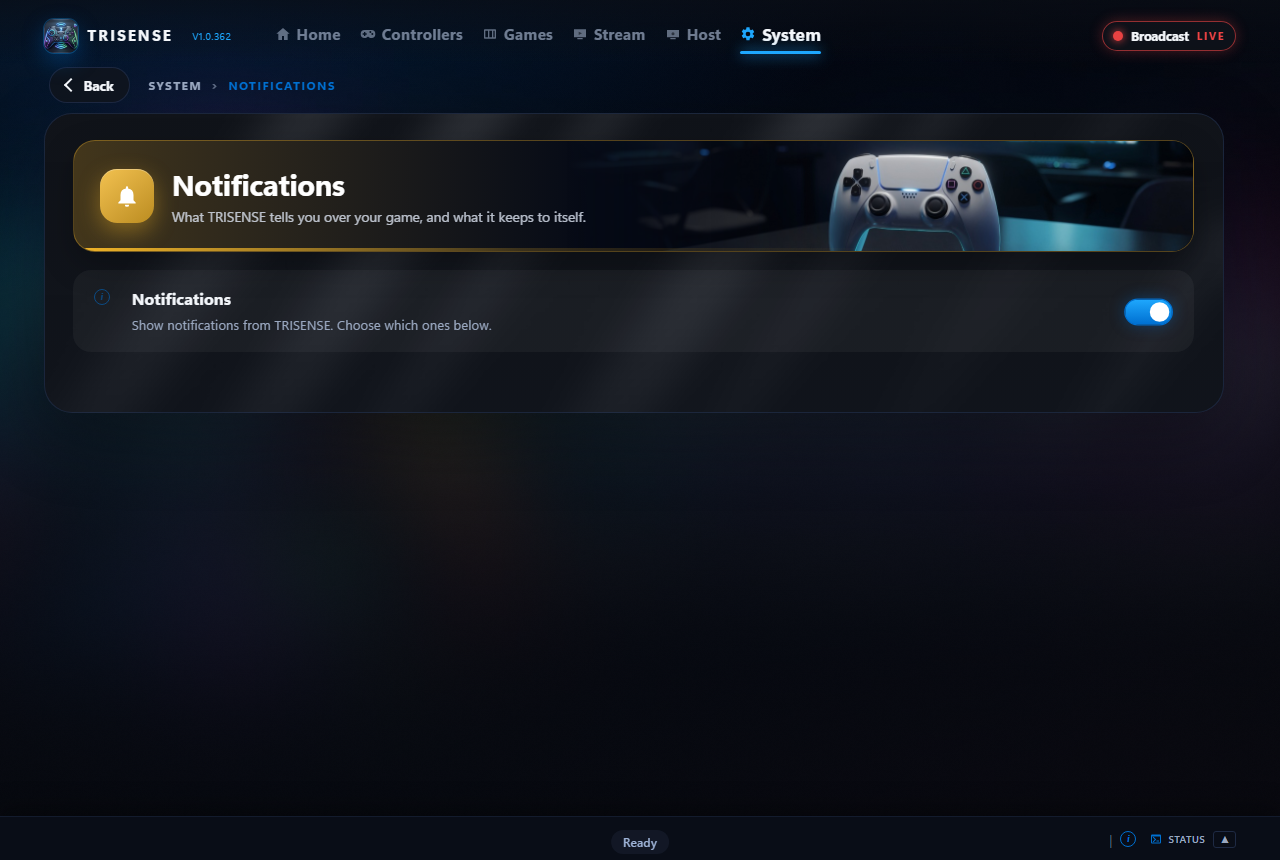
Controller connected, battery low, a setting changed by a chord: said in a small box over the game on the PC you are playing on, never stealing focus.
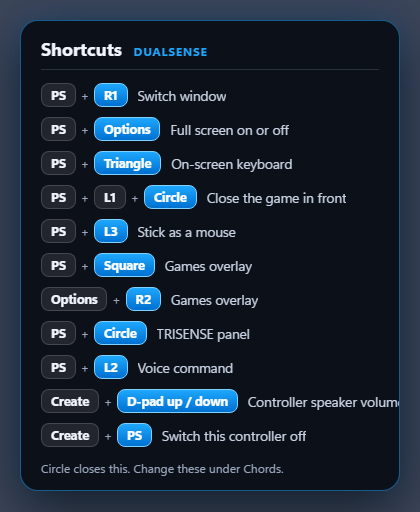
Forgotten a chord? Hold the middle button on its own and every shortcut that controller has is listed, in its own button names. It stays until you press back.
Nine themes come with TridentSense, and a builder makes more. The overlay, the wheel and the keyboard follow the one you choose.
A handheld, a monitor, a 4K television across the room: TridentSense draws itself to suit the desktop it is on, or at the size you pick.
Give a chord or a slot of the wheel a program to start or to close: a browser, a voice app, a streaming client.
Games on another computer that Moonlight is paired with are listed with the rest, and open from a chord or the wheel.
One chord brings TridentSense's own window down over the game, driven by the controller, and puts it away again.
Twelve kinds, from a weak Bluetooth signal to a game that has finished installing, each with a switch of its own.
Everything TridentSense does is written down by area: controller, sound, network, the games overlay, shortcuts. Show one area at a time, or copy it for support.
Point at a health bar, an ammo counter or your character, and TridentSense turns what it sees into rumble, light bar colours and trigger feel. Nothing reads the game's memory: it only looks at the screen.
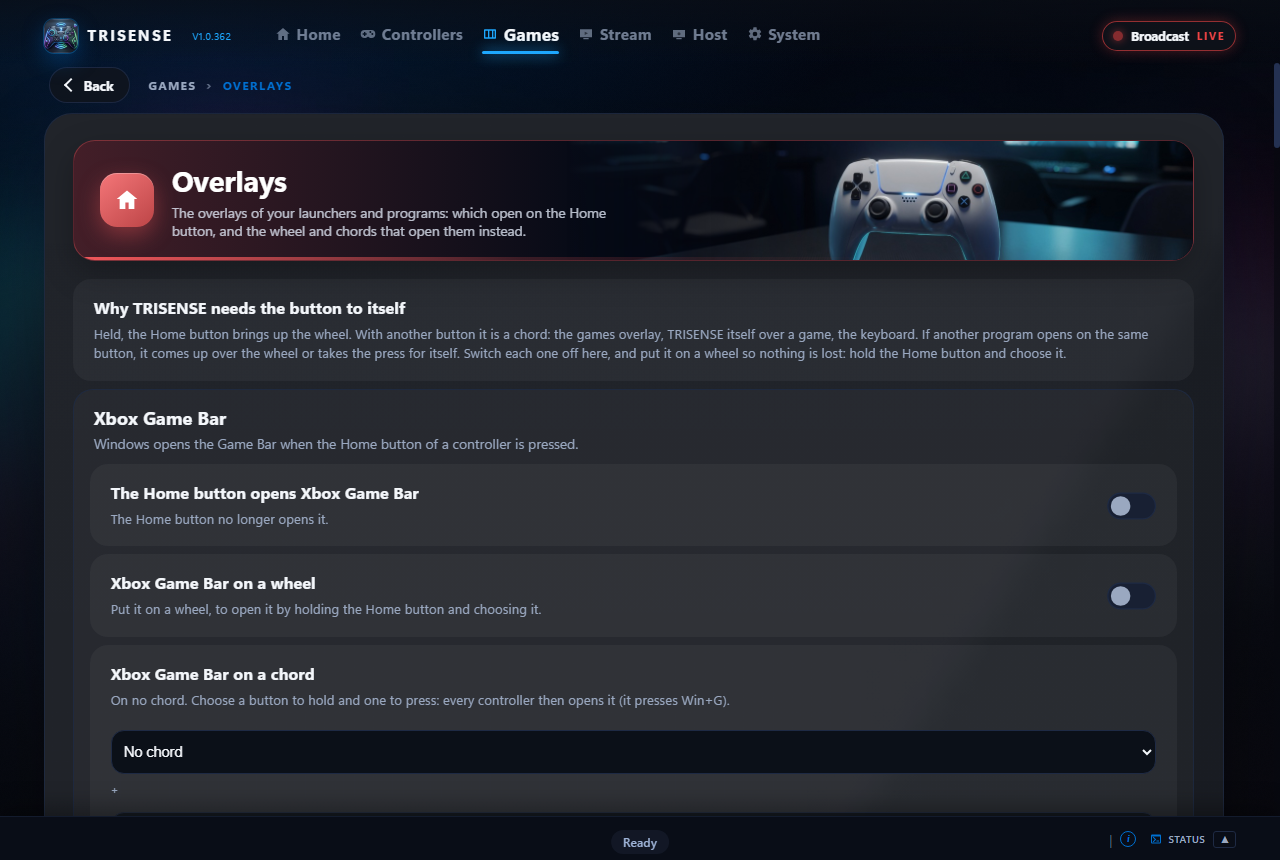
Steam, Game Bar, GeForce NOW, Luna, Ubisoft and the other launchers each have an overlay of their own. All of them are listed in one place, and each can be given a chord.
The four motors of an Xbox controller, the triggers' own included, work over USB as well as Bluetooth.
A deadzone and anti-deadzone for each axis, a response curve you draw with four points, and gyro aiming that only works while a button you choose is held.
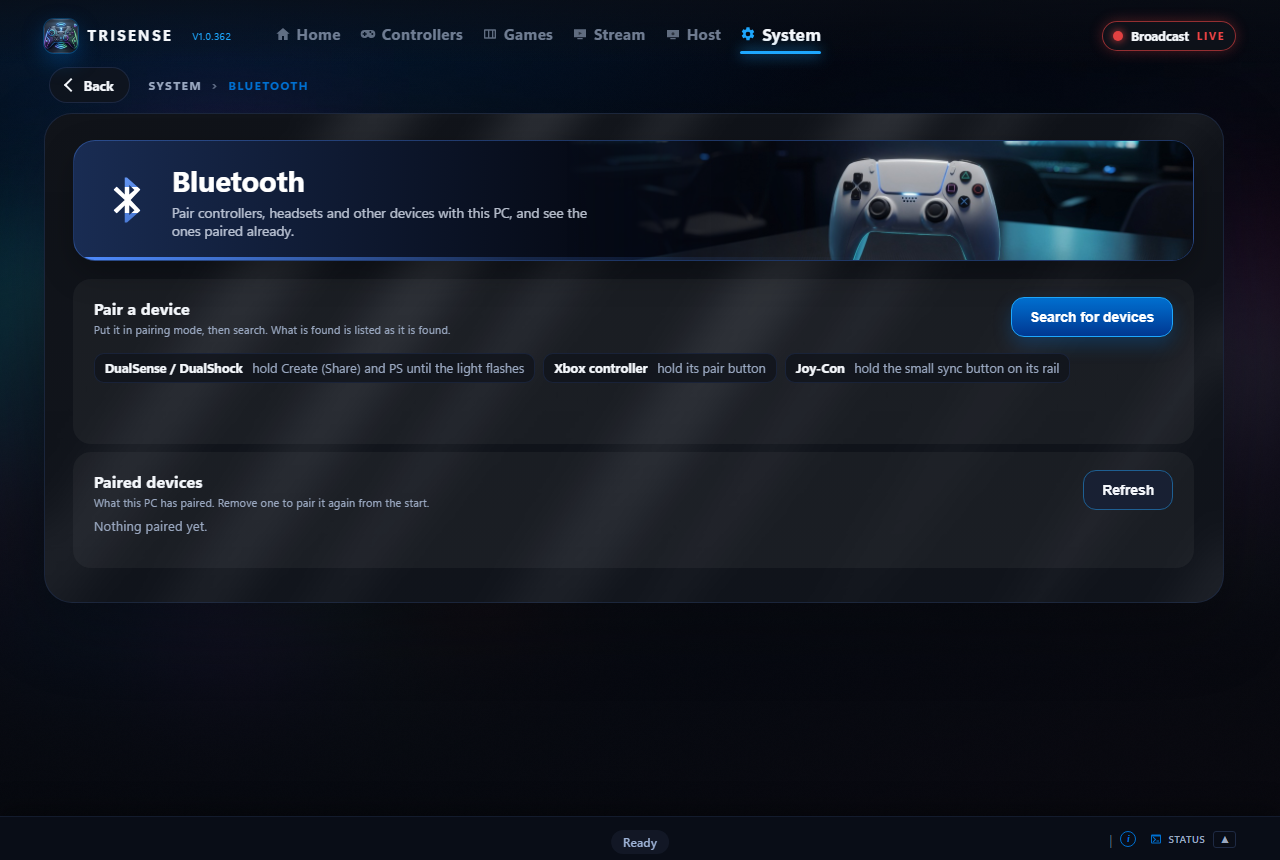
Pair controllers, headsets and other devices from TridentSense, with the steps for each kind of controller shown beside the search.
Processor, graphics card and memory readings from HWiNFO, on a page of their own while you play.
TridentSense runs as you. The few jobs that need more, like hiding a controller from games, are done by its own Windows service.
Controllers TridentSense has no reader of its own for can be read through SDL, so a generic gamepad still gets remapping and the rest. Off until you switch it on.
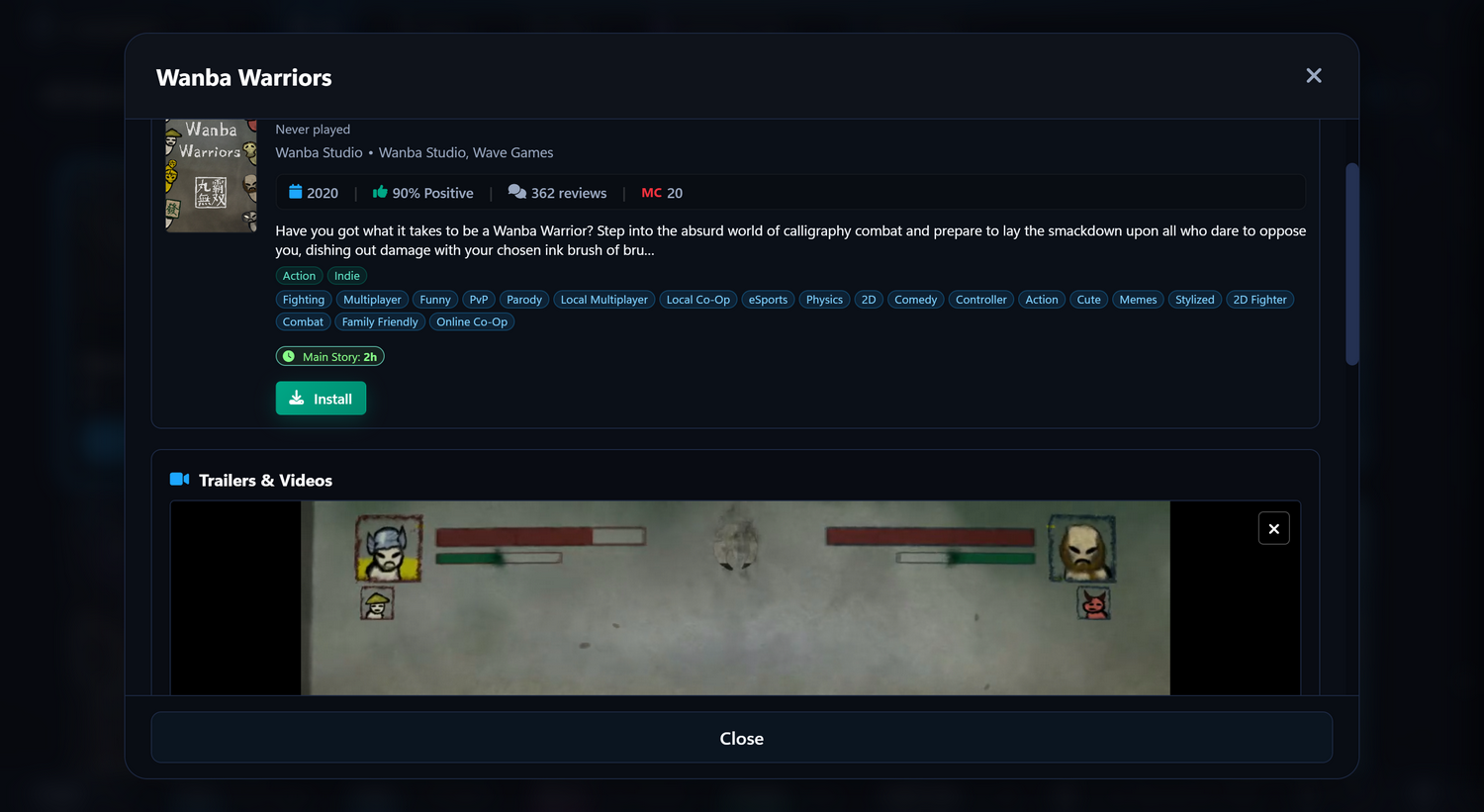
Installed, owned but not installed, streamed from the cloud, on your console or on another PC in the house: TridentSense puts them in one library, with Steam's details on every one, and starts any of them from the controller.
Hold the middle button and press Square, and your games slide up over whatever is on screen: full width, driven entirely by the controller, and gone again the moment you start one. Not only Steam: every store has a tab, and All puts them together.
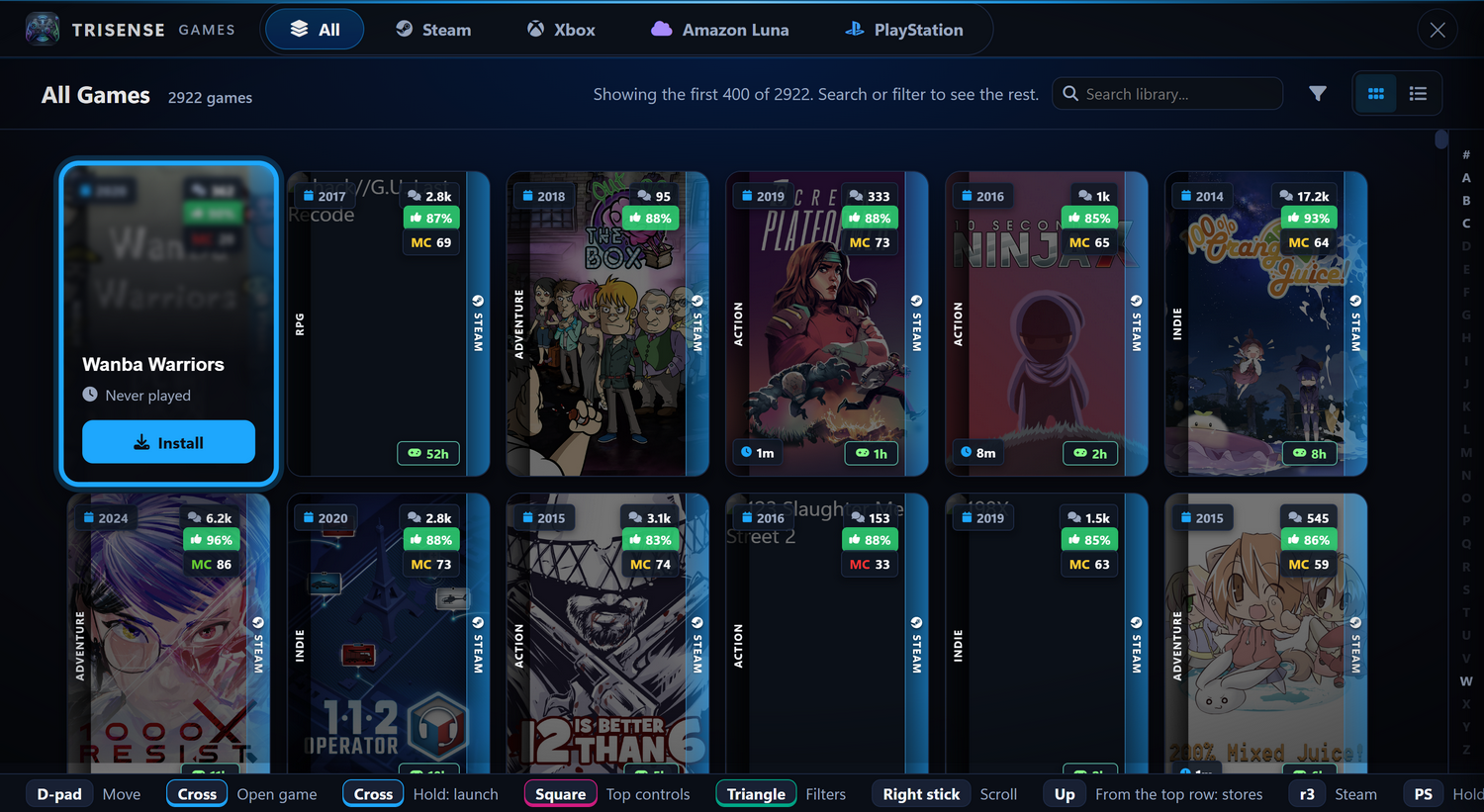
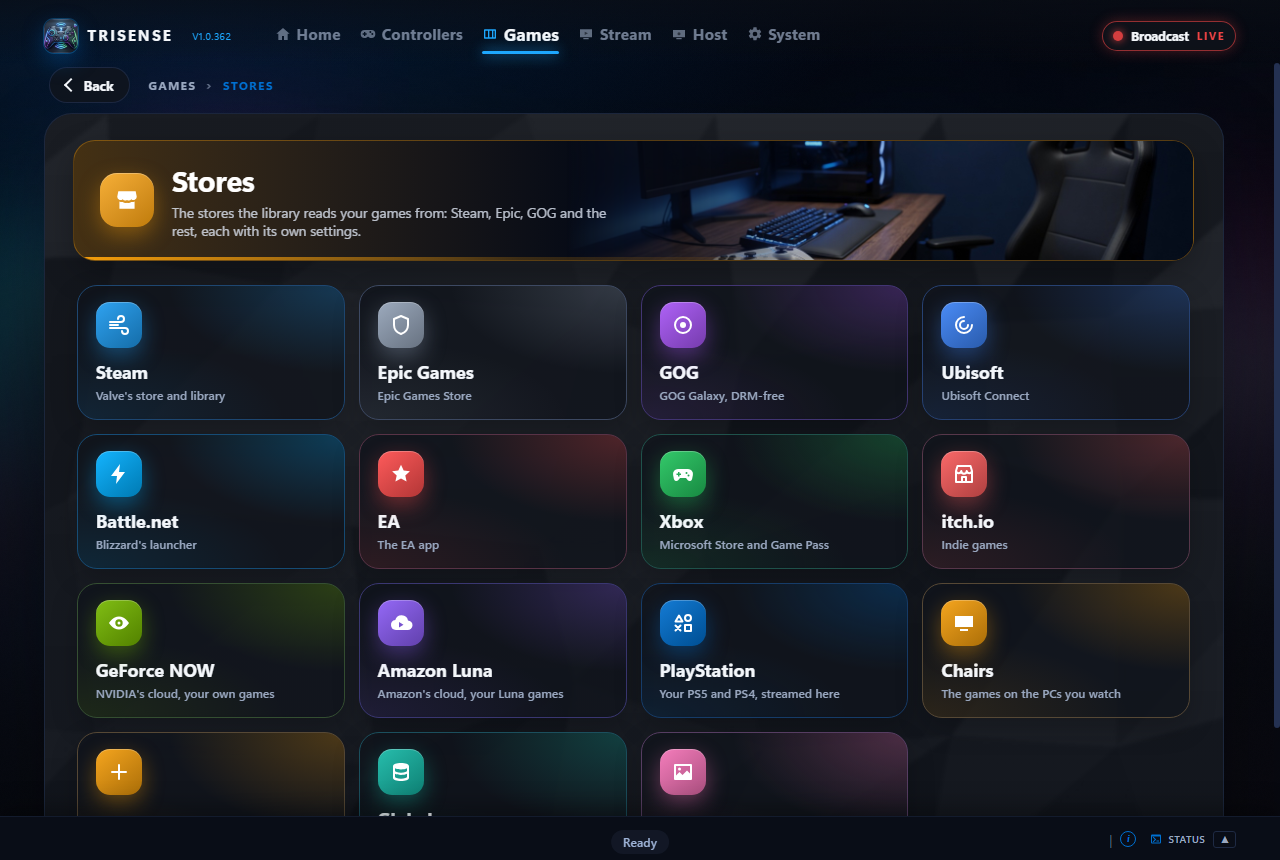
TridentSense finds each store's launcher by itself and reads what it has installed. Cover art, scores, tags and playtimes are looked up once and kept on your PC, with a page for each store that shows how far along it is.
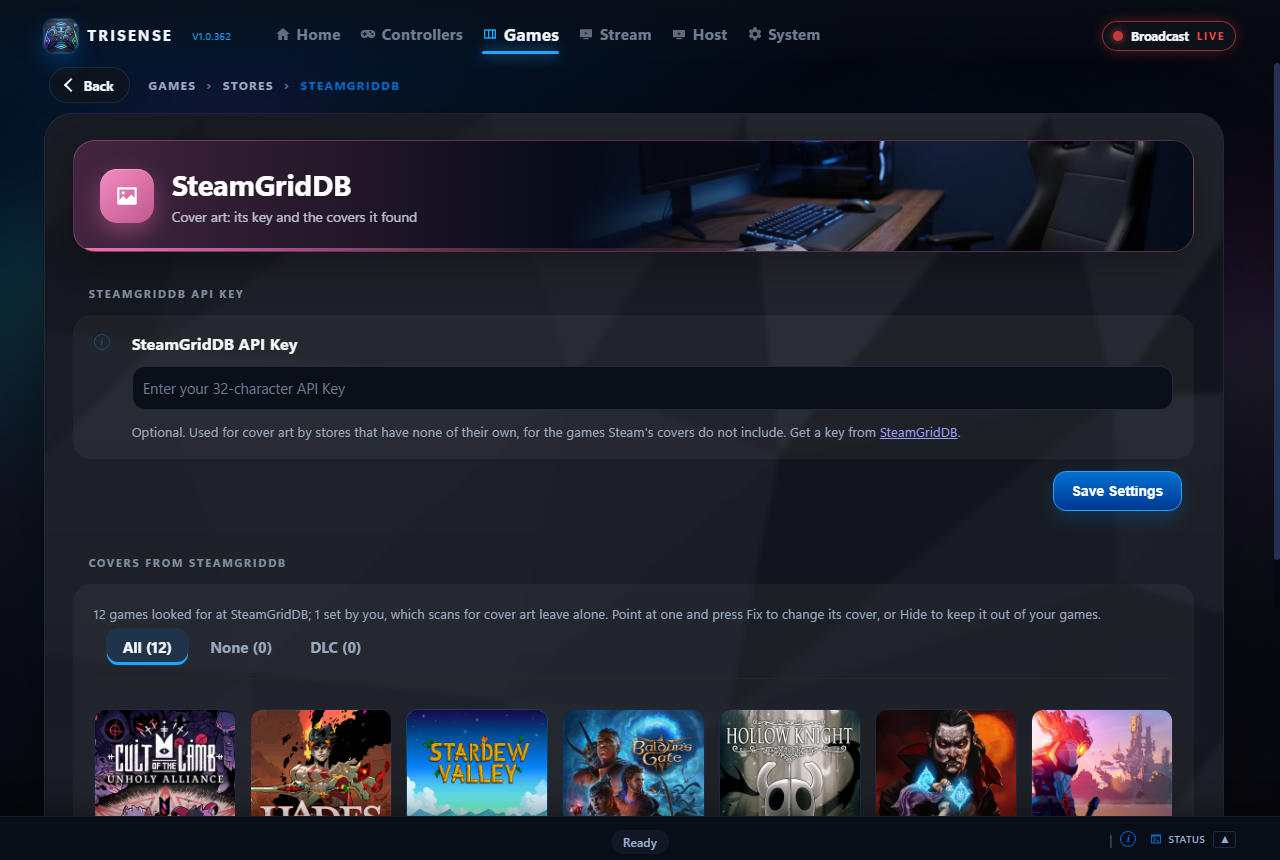
Games Steam has no picture for are looked up at SteamGridDB. When it picks the wrong one, or none, fix it yourself in a few presses.
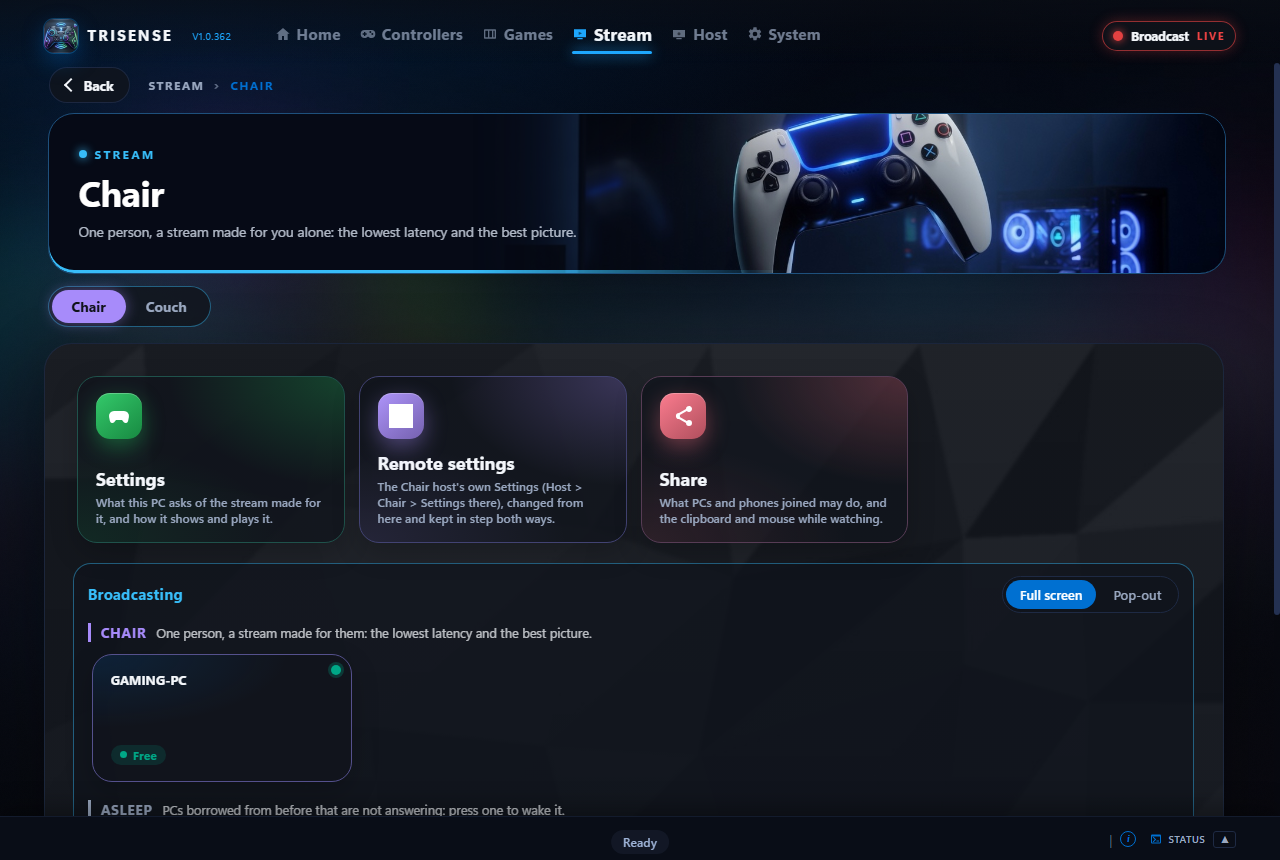
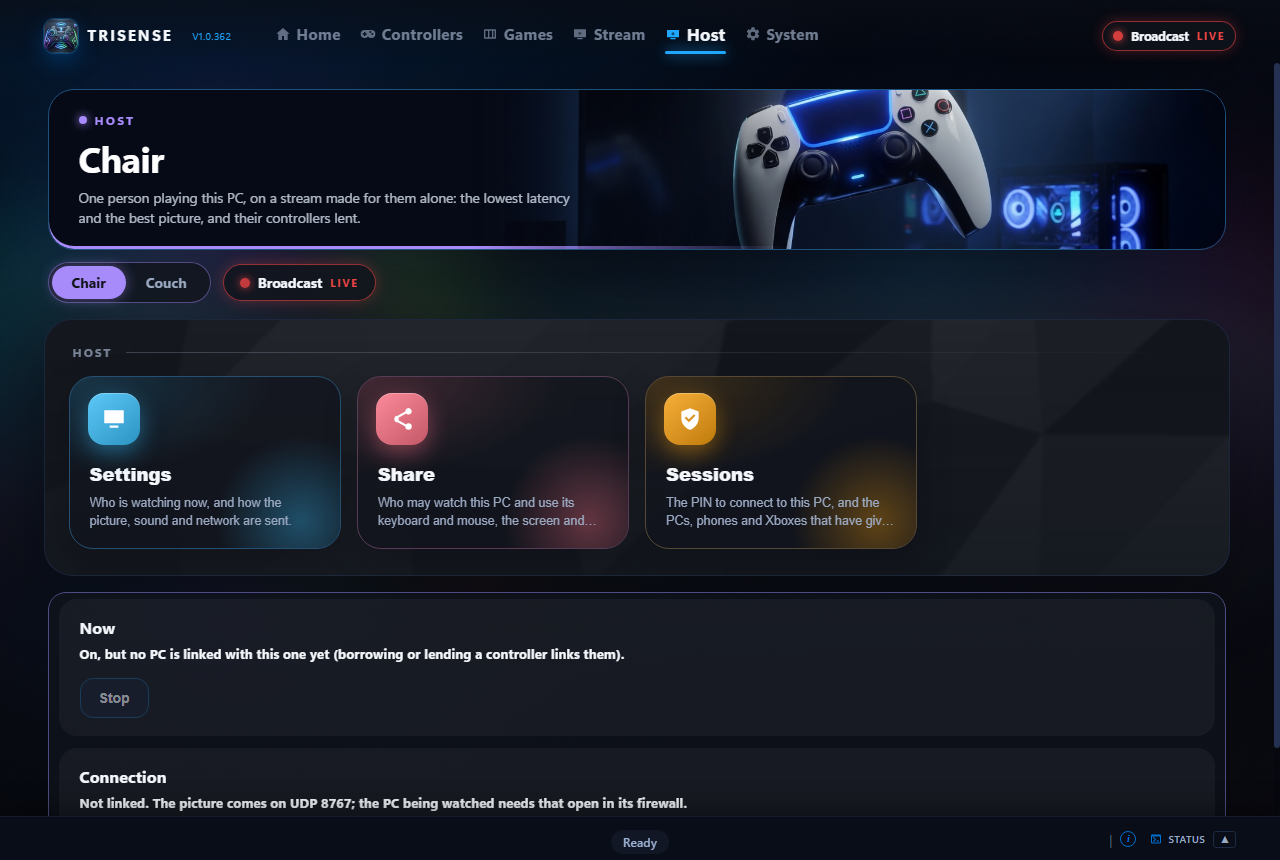
TridentSense streams a PC's games to another PC, a phone or a TV on your network, with your controllers carried along with every feature intact. Pick a PC under Stream and take a seat; choose how this PC hosts under Host.
A Chair streams to one person at a time, with your own settings deciding the stream: up to 4K at 120 frames a second, H.264, HEVC or AV1 where the graphics card has them, and PyroWave for a near-lossless picture over a cable.
A Couch is one game shown to several people at once. Each gets a stream their own device can play, and nobody joining changes anyone else's picture.
The PC you join makes a virtual display at your screen's size and refresh rate for each stream, and removes it after, so its own monitors are left as they were.
The controllers in your hands are lent to the PC you join, with haptics, triggers, speaker and microphone, and each controller's own settings travel with it.
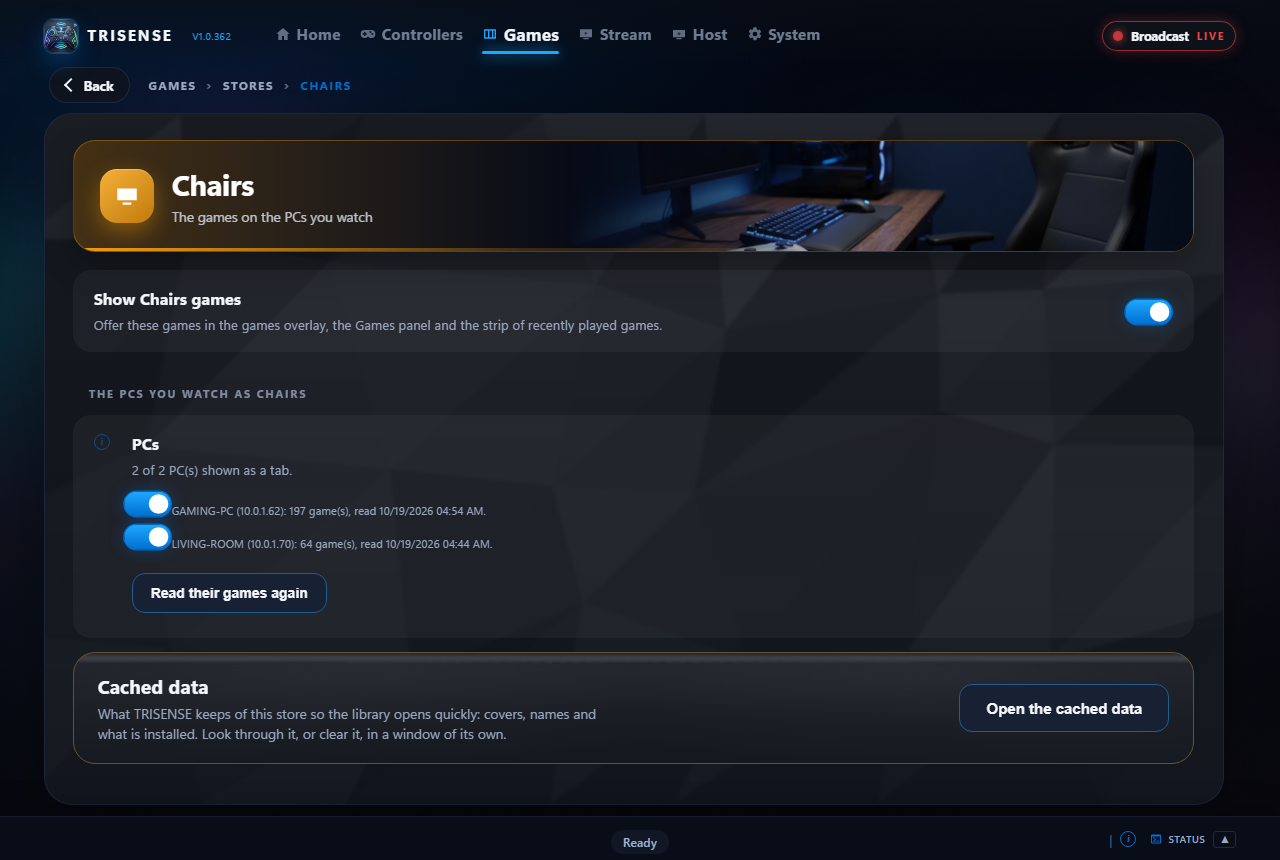
Every game installed on your other PCs is in the library, a tab for each PC. Pick one and it is started there; its launch screen shows here until the game is up, and only then does the picture appear.
Nobody joins a PC without its PIN, every stream is encrypted, and Sessions shows who is watching and lets you put them out.
Stereo, 5.1 or 7.1 sound, voice chat between the players, and the clipboard shared both ways in a Chair.
Wake a sleeping PC from the list, and answer its Windows prompts and sign-in screen from the stream instead of walking over to it.
Frame rate, delay, bit rate, network round trip and lost packets on a corner of the picture, for when something feels off.
Watch any of your PCs, with the controller paired to the phone lent to the PC, or an on-screen controller on the glass. A Remote Control tab changes every setting of a PC from the sofa.
The Stream part on its own, laid out for the television: pick a PC with the remote, pair a controller to the TV, and play.
An Xbox app is on its way, and the phone app will come to iPhone and iPad after it.
TridentSense reaches past the game. Each of these is off until you switch it on under System > Integrations, and works with what you already have installed: anything they can do can go on a chord, the wheel or a voice command.
Bring in the lights, plugs, fans, blinds, scenes, scripts and thermostats you choose. A dashboard under System groups them by floor, room or kind, to switch, run or dim from the controller; every device, room and floor goes on a chord, the wheel or your voice, and thermostats to the degree.
Hold PS and L2 and speak into the controller. Everything a chord can do can be said: switch a controller setting ("HD haptics off"), turn a slider ("speaker volume up"), run a shortcut ("record the last 30 seconds"), launch a program, "play" any recent game, or "living room lights off". Recognised on your PC by Windows, never sent anywhere.
Motherboard, memory, graphics card, fans, strips, keyboards and mice, whoever made them: every device at once or one at a time, with mode, colours, speed, brightness, direction and zones. Profiles go on chords and voice, and every device can show the PC's temperature, blue to red.
Frame rate, 1% lows and hardware readings in TridentSense's own overlays or ones you build, frame limits, and games capped to a stream's rate.
Start and stop recording or streaming, save the replay buffer, change scene and mute the microphone without leaving the game.
Switch between your clock and fan profiles: quiet on the desktop, full speed in games.
What you are playing on your profile, a Join button for your Couch, and a message to your server when you go live.
Play the controller as a MIDI instrument, and run REAPER's transport, tracks and markers from it.
Temperatures, fans and power on a page of their own, as a light bar gauge, and a warning you can feel.
Every feature, by area. The documentation says how to use each one.
What a controller does on a Windows PC by itself, next to what it does once TridentSense is running.
| Windows by itself | With TridentSense | |
|---|---|---|
| DualSense HD haptics over Bluetooth | No | Yes |
| DualSense speaker, headset jack and microphone over Bluetooth | No | Yes |
| Adaptive triggers in games that have no trigger effects | No | Yes, with Trigger Studio |
| PlayStation, Xbox and Switch controllers set up in one place | No | One window, a tab for each |
| Remapping, chords and macros on any controller | Xbox controllers only, in a separate app, without chords or macros | Yes |
| Settings that change when a game starts | No | Yes, by game and by window |
| The PC's sound on your controllers | No | Yes, on all of them at once |
| Stick as a mouse, and a keyboard you type on with the controller | No stick mouse | Yes, on any controller |
| Browse, filter and launch your games from the controller, over any game | One store at a time, by switching to a full-screen mode | Every store together, in an overlay, one chord away |
| Frame rate, 1% lows and a frame limit from the controller | No | Yes, with RivaTuner Statistics Server |
| A wheel of shortcuts on one held button | No | Yes, as many wheels as you like |
| Hints written for the controller in your hands | Xbox names for everything | PlayStation, Xbox or Nintendo names, whichever you hold |
| Close a frozen game from the controller | No | Yes, after asking |
| A DualSense that switches itself off when left idle | No | Yes, after the time you choose |
| Use a controller that is connected to another PC | No | Yes, with every feature |
| Deadzones for a drifting stick | No | Up to 90%, per stick |
| Stream your games to another PC, a phone or a TV | No | Yes, with your controllers' every feature |
| Start a game on another PC from your library | No | Yes, a tab for each PC |
| Cloud gaming in the same library as your installed games | No | GeForce NOW, Amazon Luna and Xbox Cloud Gaming |
| Your lights, heating and RGB from the controller | No | Yes, with Home Assistant and OpenRGB |
| Voice commands from the controller's microphone | No | Yes, recognised on your PC |
A tool built for one make of controller stops there. TridentSense takes PlayStation, Xbox and Switch controllers together, up to eight at a time, each remembered by what it is.
Haptics, speaker, headset and microphone are carried over Bluetooth by TridentSense itself. No cable and no dongle.
Keyboard, mouse, window switching, screenshots, closing a frozen game, launching the next one from any store: the things around a game are a chord away too, not only what happens inside it.
Its own tab, settings, profiles and idle timer, and its own speaker and microphone, matched by the device they belong to and never by a shared name.
Live input, one-click feature tests, a Playground, a meter on Audio Haptics, and an on-screen note whenever a chord changes something.
Lend a controller to another PC, or join that PC's game from wherever you are sitting, with haptics, triggers and sound intact.
The table compares TridentSense with Windows 10 and 11 and the software Microsoft provides for them. Other controller tools are not named here because what they offer changes; the cards above say what TridentSense does.
There is nothing to choose up front: every PC plays its own games, lends the controllers you mark, and can join any other PC on your home network.
Controllers connected to this PC, used by games on this PC. What most people need, and where every PC starts.
Mark a controller Shareable and set a PIN, and another PC that knows the PIN can take it, every feature intact. It comes back when they let go.
Take a seat at any PC that is broadcasting, as a Chair to yourself or on its Couch with others: its game streams to you, and your controllers go to it.
Mix and match. Each controller is remembered by what it is, so its settings are there every time you connect it.
 DualSense and DualSense EdgeBluetooth or USB. The full feature set.
 DualShock 4Bluetooth or USB. Speaker, light bar, touchpad, gyro.
 Xbox controllersXbox One, Series and Elite, and Xbox 360-style controllers.
 Switch Pro and Joy-ConsUse a pair of Joy-Cons as one controller.
And a controller paired to your phone or TV can be lent to a PC over your network. Other gamepads can be read through SDL with Other controllers (experimental), switched on under System.
Click any picture to see it full size. TridentSense has a dark and a light theme: the Light theme button at the top right of this page switches the page and every screenshot on it.
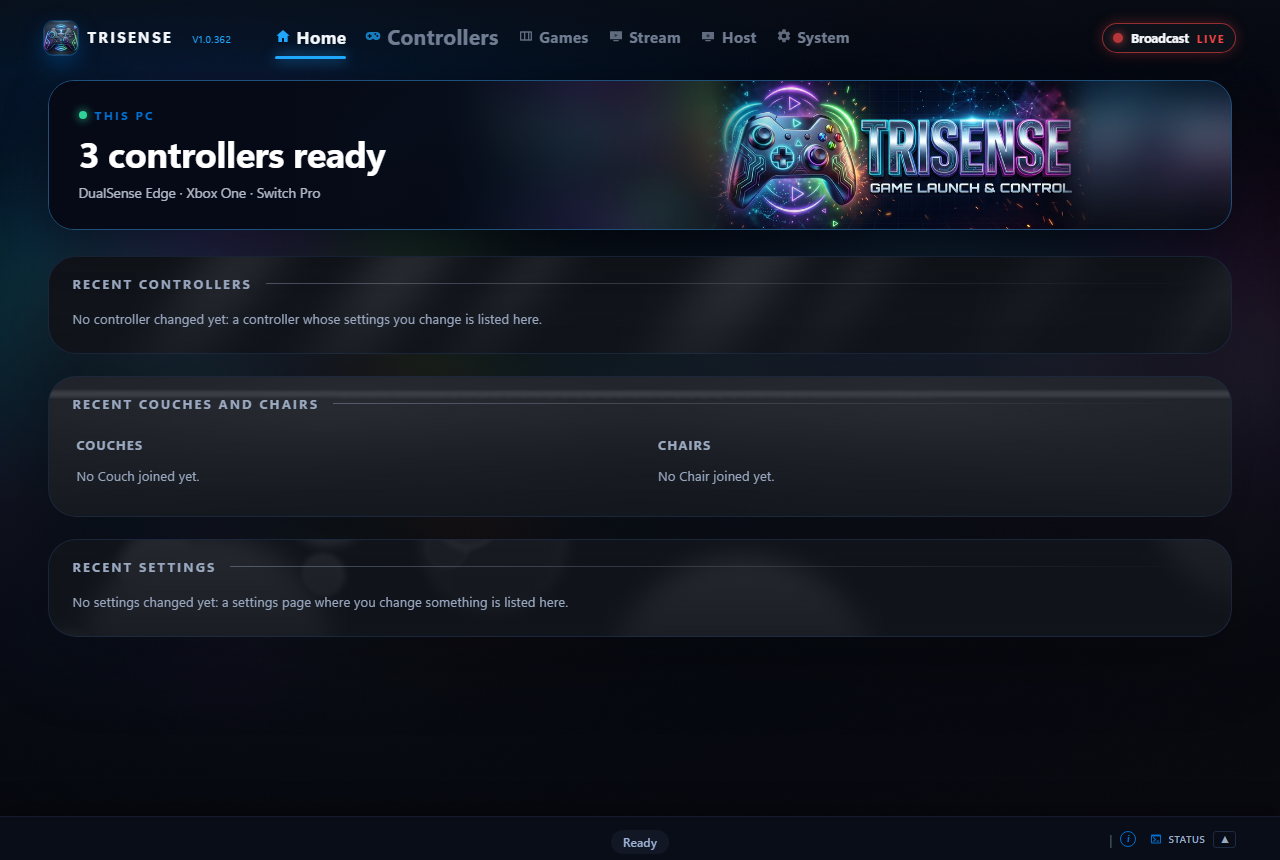
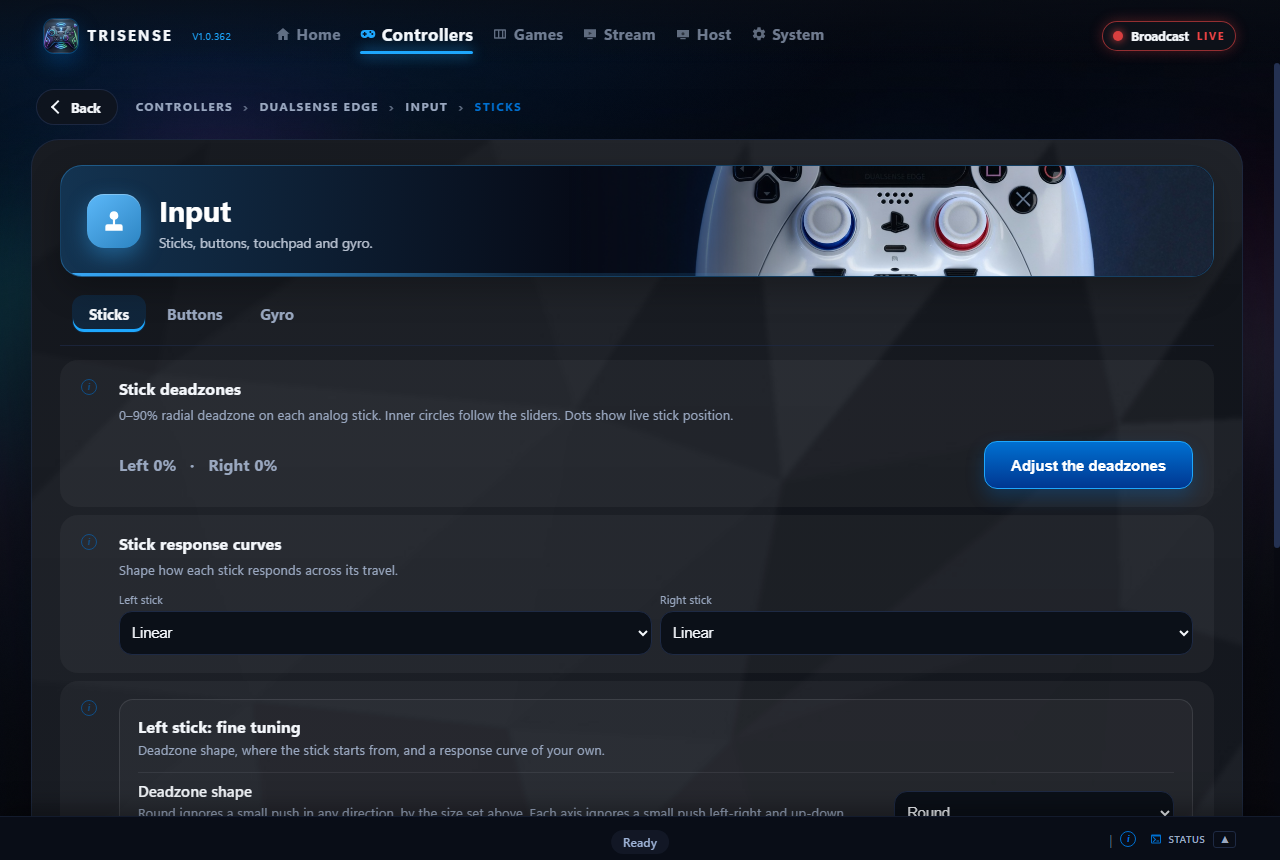
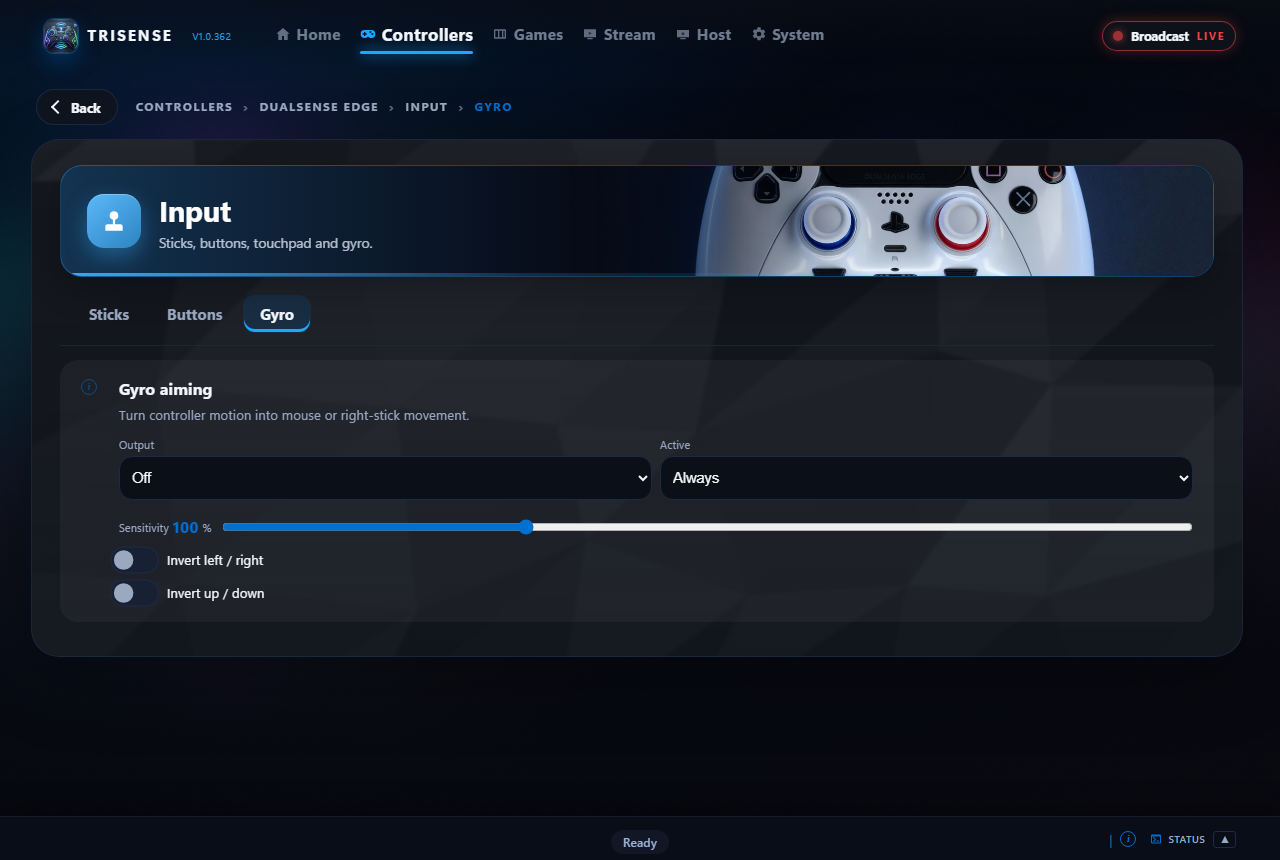
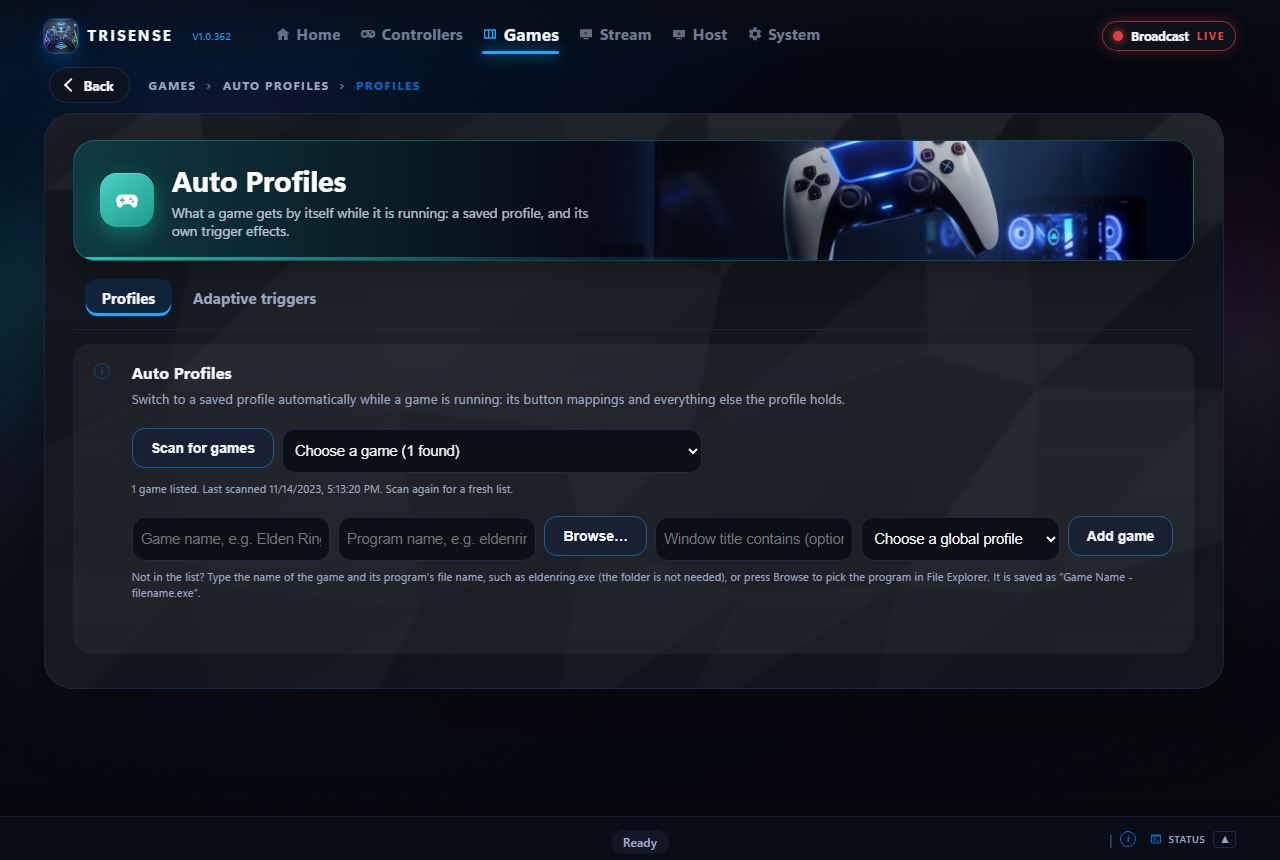
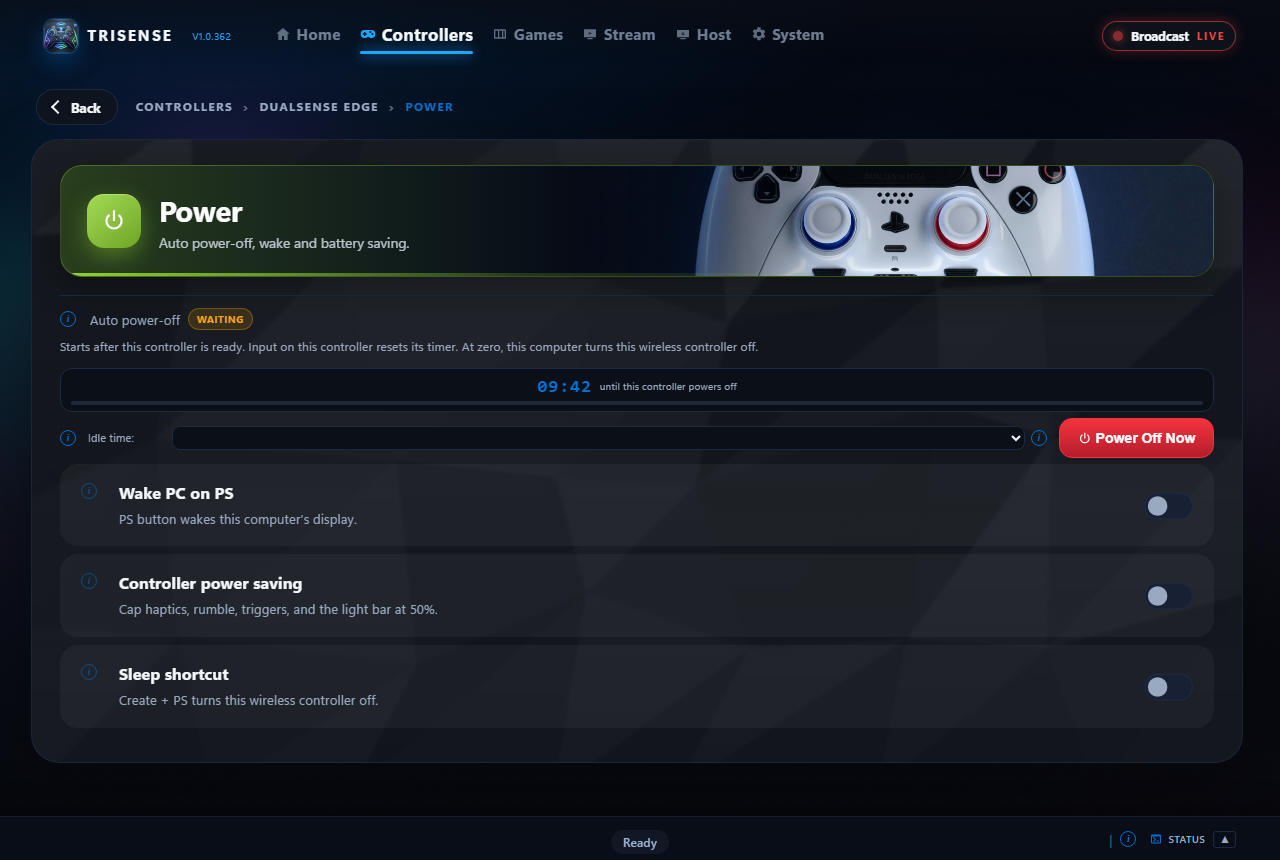
The short answers. The documentation has the long ones, step by step.
No. Games that do will use HD haptics and adaptive triggers through TridentSense as they would on a cable. Games that do not still get rumble, and Trigger Studio can give their triggers a feel of your choosing.
Yes. HD haptics, the controller speaker, the headphone jack and the microphone are carried over Bluetooth by TridentSense itself, which is what Windows does not do on its own.
No. TridentSense hides the real controller from games and shows them one virtual controller in its place, so each controller is seen once.
TridentSense sets up two drivers it relies on: one that provides the virtual controllers and one that hides the real ones from games, and a small Windows service so that TridentSense itself never needs to run as administrator. For streaming, a PC that hosts also uses a virtual display driver. System > OS shows their state.
TridentSense can listen for the trigger and light instructions that game mods written for DSX send, and it can provide motion data to emulators that use the cemuhook protocol. Both are switches under System > Integrations. TridentSense also has mods of its own, which watch the game's screen: see Controller > Profiles > Mods.
Yes. The PC's sound can be sent to every connected controller at the same time, each through its own speaker or headset, and a controller's microphone can be played on all the other controllers.
For most things, no. Every controller starts with chords for an on-screen keyboard, the stick as a mouse, switching window, toggling full screen and closing the game in front. You can change or remove any of them.
A few buttons held and one pressed, doing something none of them does alone. You build your own in three steps, or record the buttons from the controller. Games do not see the buttons of a chord while it is held.
Steam, Epic Games, GOG, Xbox (with Game Pass), Ubisoft, EA, Battle.net and itch.io; the cloud services GeForce NOW and Amazon Luna; your own Xbox and PlayStation consoles; the games Moonlight offers from another computer; the games installed on your other PCs; and folders of your own. Each has a tab, and All puts them together, one card per game however many stores it is in. Switch off any you do not want.
It does the same job, built into TridentSense: hardware encoding up to 4K at 120 frames a second on the PC you join, and a native player where you sit. What it adds is your controllers going with you, each with every feature and its own settings, starting a game on the other PC straight from your library, and a Couch where several people watch one game.
TridentSense on both PCs, on the same home network, and the PIN of the PC you join. A wired connection gives the best picture; Wi-Fi works too. For a phone or TV, install the TridentSense app on it.
No. TridentSense runs as you. The jobs that need more, such as hiding a controller from games, are handed to its own Windows service, which only takes them from TridentSense.
For Steam: your Steam ID and a Steam Web API key, which Steam gives you free, with your profile's game details public. The other stores need nothing for installed games; to list games you own but have not installed, sign in to Epic, GOG or itch.io once. Amazon Luna needs you signed in once, in the window TridentSense opens; GeForce NOW, in its own app or in Microsoft Edge. It needs the internet for cover art, scores and trailers. A free SteamGridDB key adds covers for games Steam does not know.
Steam games, yes. For Epic, GOG and itch.io it hands the install or uninstall to that store's own launcher and watches for it to finish, then tells you the game is ready.
No. It is optional. If RivaTuner Statistics Server is on your PC, TridentSense can install its own overlays into it and drive it from a chord or the wheel. Without it, nothing about TridentSense changes.
Hold the middle button of the controller and a wheel of up to eight shortcuts comes up, with the full list of that controller's shortcuts beside it. You choose what is on it, and can keep several.
You do not have to. Hold the middle button of the controller for a moment and the wheel comes up with every shortcut that controller has listed beside it, in its own button names. In the games overlay, the bar along the bottom says what each button does where you are.
Windows 10 and Windows 11.
TridentSense is being readied for release. The store page will be linked here as soon as it is live.
See how it works TridentSense